
In this exercise we will just log in LUMI-K and create a project. This project will be used during all the exercises.
Log in LUMI-K's web console, console.lumi-k.eu
Create a lumi-k project named course-training-<username> using the web interface.
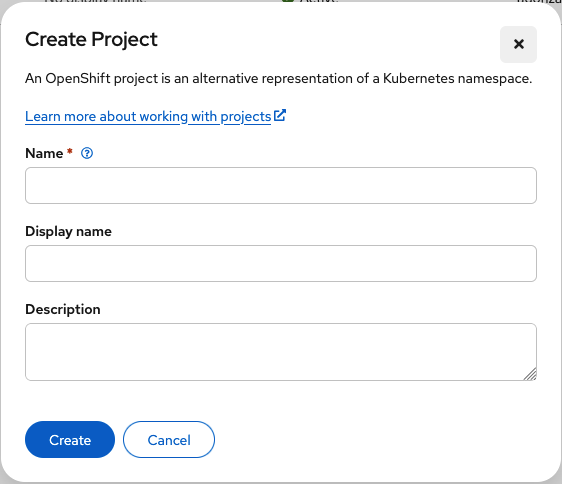
Note: Add "lumi_project: xxxxxxxxx" as description of your lumi-k project. Where 'xxxxxxxxx' is the number of the project used for the course.